"Give a model a tool and it will use it. Give it the wrong JSON schema and it will use it creatively."
Pip, Schema-Validated AI Agent
Function calling is the bridge between language and action. Without it, an LLM can only describe what tools to use in natural language, forcing brittle regex parsing on the application side. With function calling, the model produces structured JSON that specifies the exact function, arguments, and types, turning unreliable text parsing into reliable API dispatch. This section compares function calling implementations across OpenAI, Anthropic, Google, and open-source providers, covering schema design, multi-tool handling, and streaming behavior. The agent loop from Chapter 22 depends entirely on this mechanism for its action step.
Prerequisites
This section builds on agent foundations from Chapter 22 and LLM API basics from Chapter 10.
1. The Function Calling Interface
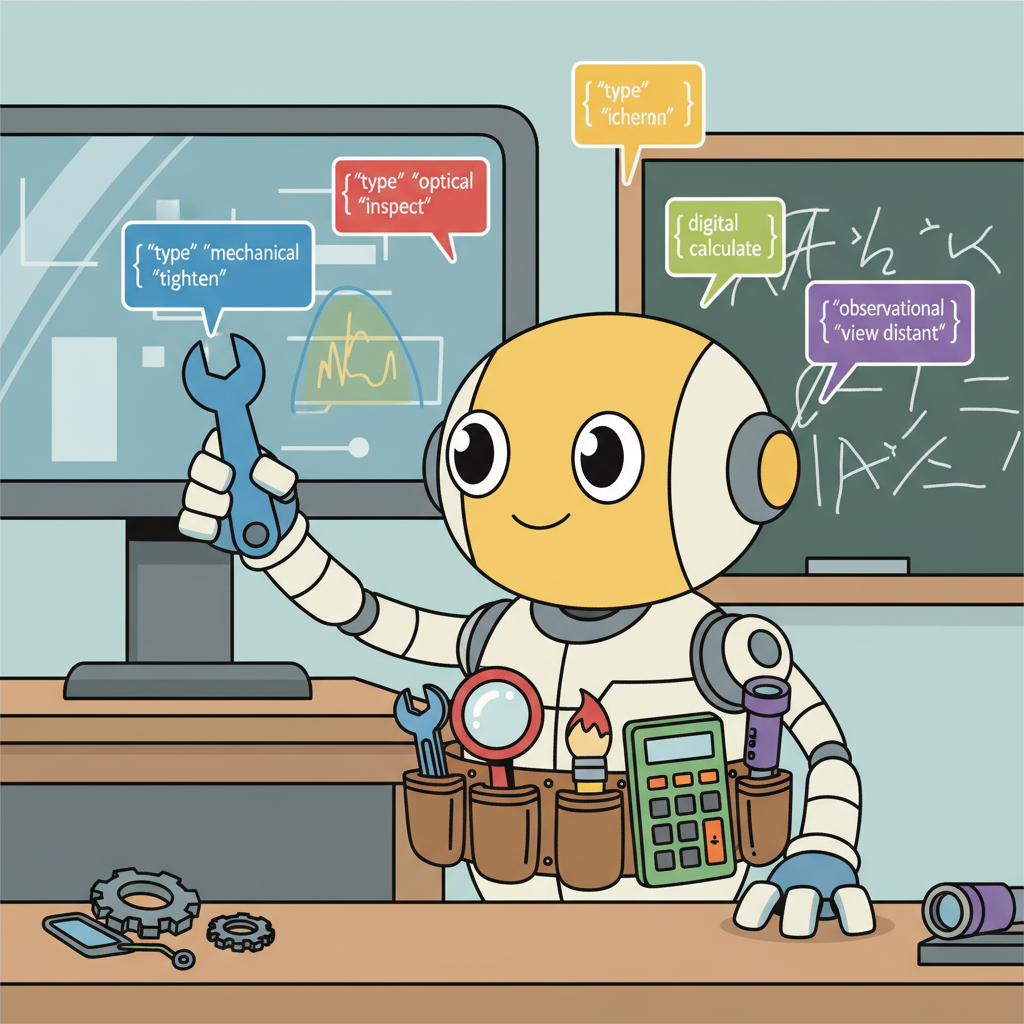
Function calling is the mechanism that transforms an LLM from a text generator into a tool-using agent. Rather than generating natural language descriptions of what tools to use, the model produces structured JSON that specifies which function to call and with what arguments. The application code then executes the function, returns the result to the model, and the model incorporates the result into its next response. This structured interface eliminates the fragile parsing of natural language tool invocations that plagued early agent systems.
Every major LLM provider now supports function calling, but the implementations differ in important ways. Understanding these differences is essential for building portable agent systems and for selecting the right provider for your use case. The core pattern is the same across all providers: define tool schemas, pass them to the model alongside the user message, handle tool call responses, execute the tools, and return results. The details of schema format, multi-tool handling, and streaming behavior vary.
OpenAI was the first major provider to ship function calling (June 2023), and their format has become the de facto standard that many open-source frameworks adopt. Anthropic's tool use implementation adds explicit thinking before tool calls. Google's Gemini API supports function calling with automatic function execution in some modes. Open-source models accessed through frameworks like Ollama or vLLM increasingly support function calling, though the reliability varies by model size and training data.
The name "function calling" is misleading. The model does not execute any code or call any API directly. It produces a structured JSON object that requests a function call. Your application code is responsible for parsing that request, executing the actual function, and returning the result. The model has no access to the network, no ability to run code, and no awareness of whether its requested function call was actually executed. This means all security boundaries, input validation, and rate limiting must be implemented in your application layer, not delegated to the model. Treating the model's output as a suggestion to be validated, rather than a command to be blindly executed, is the foundation of safe tool use.
Input: user message M, tool schemas {T1, ..., Tn}, LLM model, max iterations K
Output: final text response

1. messages = [system_prompt, M]
2. for i = 1 to K:
 a. response = LLM(messages, tools={T1, ..., Tn})
 b. if response has no tool_calls:
 return response.content // final answer
 c. Append assistant message (with tool_calls) to messages
 d. for each tool_call in response.tool_calls:
 i. name = tool_call.function.name
 ii. args = parse_json(tool_call.function.arguments)
 iii. result = execute(name, args)
 iv. Append tool result message (role="tool", id=tool_call.id) to messages
3. return "Max iterations reached"
OpenAI Function Calling
This snippet defines a tool schema and processes function-call responses using the OpenAI function calling API.
from openai import OpenAI

client = OpenAI()

tools = [
 {
 "type": "function",
 "function": {
 "name": "get_weather",
 "description": "Get the current weather for a location",
 "parameters": {
 "type": "object",
 "properties": {
 "location": {
 "type": "string",
 "description": "City and state, e.g. San Francisco, CA",
 },
 "unit": {
 "type": "string",
 "enum": ["celsius", "fahrenheit"],
 "description": "Temperature unit",
 },
 },
 "required": ["location"],
 },
 },
 }
]

response = client.chat.completions.create(
 model="gpt-4o",
 messages=[{"role": "user", "content": "What is the weather in Paris?"}],
 tools=tools,
 tool_choice="auto",
)

# Handle the tool call
tool_call = response.choices[0].message.tool_calls[0]
print(f"Function: {tool_call.function.name}")
print(f"Arguments: {tool_call.function.arguments}")
Skip the manual JSON schema with PydanticAI (pip install pydantic-ai), which infers tool schemas from type hints:
from pydantic_ai import Agent

agent = Agent("openai:gpt-4o")

@agent.tool_plain
def get_weather(location: str, unit: str = "celsius") -> str:
 """Get the current weather for a location."""
 return f"72F, partly cloudy in {location}"

result = agent.run_sync("What is the weather in Paris?")
print(result.data)
Anthropic Tool Use
This snippet defines tools and handles tool-use responses using the Anthropic messages API.
import anthropic

client = anthropic.Anthropic()

tools = [
 {
 "name": "get_weather",
 "description": "Get the current weather for a location",
 "input_schema": {
 "type": "object",
 "properties": {
 "location": {
 "type": "string",
 "description": "City and state, e.g. San Francisco, CA",
 },
 "unit": {
 "type": "string",
 "enum": ["celsius", "fahrenheit"],
 "description": "Temperature unit (default: celsius)",
 },
 },
 "required": ["location"],
 },
 }
]

response = client.messages.create(
 model="claude-sonnet-4-20250514",
 max_tokens=1024,
 tools=tools,
 messages=[{"role": "user", "content": "What is the weather in Paris?"}],
)

# Anthropic returns tool_use blocks within the content array
for block in response.content:
 if block.type == "tool_use":
 print(f"Tool: {block.name}, Input: {block.input}")
Swap providers with one string using PydanticAI, which abstracts away the per-provider schema differences:
from pydantic_ai import Agent

# Same code works with any provider; just change the model string
agent = Agent("anthropic:claude-sonnet-4-20250514") # or "openai:gpt-4o"

@agent.tool_plain
def get_weather(location: str, unit: str = "celsius") -> str:
 """Get the current weather for a location."""
 return f"22C, sunny in {location}"

result = agent.run_sync("What is the weather in Paris?")
The quality of your tool descriptions matters more than the schema structure. Models select tools based on the description field, not just the function name. A description that says "Get weather" will be called less reliably than one that says "Get the current temperature, humidity, and conditions for a specific city. Returns real-time data from a weather API." Include when to use the tool, what it returns, and common parameter values in the description.
To understand why function calling is architecturally significant (and not just a convenience feature), consider what happens without it. Before structured function calling, agents had to embed tool invocations in natural language ("I should search for 'weather Paris'"), and application code had to parse these free-form strings with regex or heuristics. This was fragile: minor rephrasing broke the parser, and the model had no formal contract specifying valid actions. Structured function calling introduces a type system for agent actions. The JSON schema defines exactly what the model can do, with what parameters, and in what format. This transforms agent tool use from "string parsing with fingers crossed" into a well-defined API contract, enabling reliable orchestration, automatic validation, and composable tool chains as explored in Section 23.2 (MCP).
2. Multi-Tool Orchestration
Real agents need multiple tools working together. A research agent might search the web, extract content from URLs, store findings in a database, and generate a report. The model must decide not only which tool to call but in what order, and it must handle the data flow between tool calls. Modern APIs support parallel tool calling, where the model can request multiple tool executions in a single response, significantly reducing the number of round trips for independent operations.
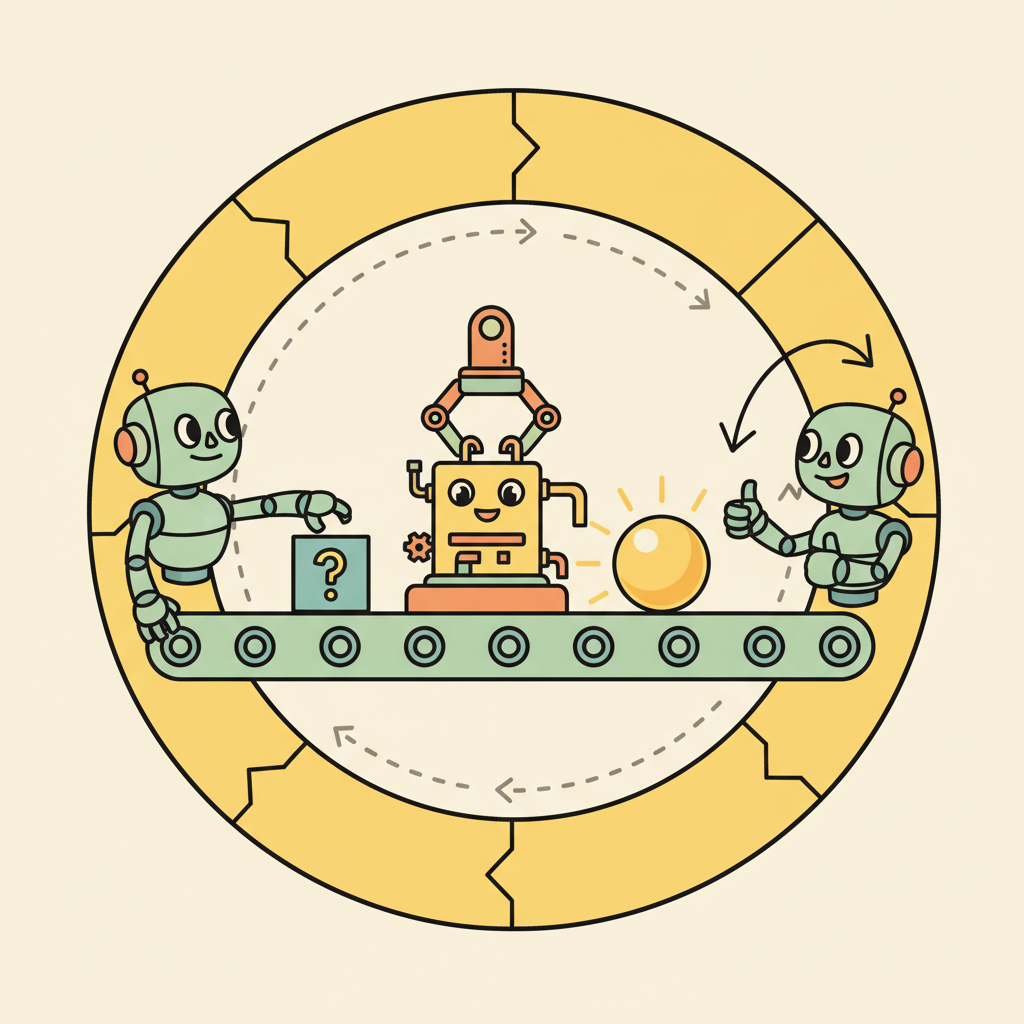
The agent loop for multi-tool orchestration follows a standard pattern: send the user message with all tool definitions, receive the model's response (which may contain one or more tool calls), execute all requested tools, return all results in a single follow-up message, and repeat until the model produces a final text response without tool calls. Managing this loop correctly, especially handling errors from individual tool calls without derailing the entire conversation, is a core engineering challenge.
Who: A product engineer at an online travel agency building an AI trip-planning assistant.
Situation: The assistant needed to handle complex requests like "Plan a 3-day trip to Tokyo, find flights from SFO, and recommend hotels near Shibuya under $200/night." Each request required data from multiple independent APIs (flights, hotels, attractions, itinerary builder).
Problem: The initial implementation called tools sequentially: search flights, then search hotels, then get attractions, then build itinerary. This took 12 seconds per request because each API call waited for the previous one to complete, even when the calls had no data dependencies.
Decision: The team enabled parallel function calling in the API configuration and wrote clear tool descriptions that specified input/output dependencies. The model learned to call search_flights and search_hotels in parallel (independent), then get_attractions sequentially (depends on flight dates), then create_itinerary (depends on all prior results).
Result: Average request latency dropped from 12 seconds to 6 seconds. The model correctly identified parallelizable calls in 94% of requests without any explicit orchestration logic.
Lesson: Clear tool descriptions with explicit input/output specifications let models discover parallelism naturally, often eliminating the need for hand-coded orchestration graphs.
3. Open-Source Function Calling
Open-source models have rapidly closed the gap in function calling capability. Models like Llama 3.1 (with tool use training), Mistral's function calling models, and Qwen 2.5 support structured tool interactions. These models can be served through vLLM, Ollama, or TGI with OpenAI-compatible API endpoints, making them drop-in replacements for many use cases. The trade-off is typically reliability: frontier models handle complex multi-tool scenarios more robustly, while open-source models may require more careful prompt engineering and schema design.
For teams that need to keep data on-premises or require custom fine-tuning for domain-specific tools, open-source function calling models provide a viable path. Fine-tuning on examples of your specific tool schemas and usage patterns can bring open-source models to near-frontier reliability for a constrained tool set. The ToolACE and Gorilla projects have demonstrated that targeted training on tool-use data can produce highly capable tool-using models from relatively small base models.
Not all "function calling" implementations are equal. Some open-source models format tool calls as JSON within their text output rather than as structured API responses. This means you need a reliable JSON parser that handles malformed output, partial responses, and edge cases like nested quotes. Always test your tool calling pipeline with adversarial inputs that are likely to produce malformed JSON.
Exercises
Write a JSON schema for a search_products function that takes a query string, an optional category filter, and a maximum number of results (default 10). Follow the OpenAI function calling format.
Answer Sketch
Use {"name": "search_products", "parameters": {"type": "object", "properties": {"query": {"type": "string"}, "category": {"type": "string"}, "max_results": {"type": "integer", "default": 10}}, "required": ["query"]}}. The description field should clearly explain what the function does so the model can decide when to call it.
Implement the same tool (a weather lookup) using both the OpenAI and Anthropic function calling APIs. Compare the request/response formats and identify the key differences.
Answer Sketch
OpenAI uses tools with function type in the request and returns tool_calls in the response. Anthropic uses tools with input_schema and returns tool_use content blocks. Key differences: Anthropic returns tool calls as content blocks within the message; OpenAI uses a separate tool_calls field. Both require sending tool results back in subsequent messages.
Write code that handles parallel tool calls from an LLM response. The model returns three tool calls simultaneously; your code should execute all three concurrently using asyncio.gather() and return the results.
Answer Sketch
Parse all tool calls from the response. Create async wrapper functions for each tool execution. Use results = await asyncio.gather(*[execute_tool(tc) for tc in tool_calls]). Map results back to their tool call IDs and send them all in the next message as separate tool result entries.
Compare function calling capabilities between proprietary models (GPT-4, Claude) and open-source models (Llama, Mistral). What are the main challenges when using open-source models for tool use?
Answer Sketch
Open-source models may not natively support structured tool call output, requiring custom prompt formatting and output parsing. They may hallucinate tool names or produce malformed JSON arguments. Fine-tuned variants (e.g., Gorilla, NexusRaven) improve reliability but may lag behind proprietary models in handling complex multi-tool scenarios. Testing and validation are more important with open-source models.
An agent calls a tool and receives an error response. Describe two strategies for handling this: one where the agent retries, and one where it adapts its approach. When is each strategy appropriate?
Answer Sketch
Retry: appropriate for transient errors (network timeouts, rate limits). The agent waits and retries with the same arguments. Adapt: appropriate for semantic errors (invalid arguments, resource not found). The agent interprets the error message, adjusts its approach (e.g., tries a different search query), and calls a different tool or the same tool with modified arguments.
Always validate the parameters the model generates before calling the actual tool. Check types, ranges, and required fields. Models frequently produce plausible but invalid inputs (wrong date formats, out-of-range values, missing required fields).
- Function calling provides schema-guaranteed structured output, unlike raw JSON generation which can produce malformed results.
- OpenAI and Anthropic implement the same concept (structured tool invocation) with different API shapes.
- Always validate tool call arguments server-side, even though function calling enforces schemas; defense in depth applies.
Show Answer
Function calling is a provider-native mechanism where the model outputs structured tool invocations that are guaranteed to match a declared schema. Unlike raw JSON output, function calling uses constrained decoding to ensure valid schemas, handles parameter types, and integrates tool results back into the conversation automatically.
Show Answer
OpenAI uses a dedicated 'tools' parameter with 'function' type definitions and returns tool calls in a special message role. Anthropic uses a 'tools' array with 'input_schema' definitions and returns tool use in content blocks within the assistant message. The core concept is identical, but the API shapes differ.
What Comes Next
In the next section, Model Context Protocol (MCP), we examine how MCP standardizes the connection between agents and tools, enabling a shared ecosystem of tool servers that any agent can use.
References and Further Reading
Function Calling and Tool Use
The foundational paper on self-supervised tool use, where an LLM learns to decide when and how to call external APIs by generating tool-call tokens during text generation.
Introduces a framework for training LLMs to use a massive collection of real-world APIs, including the ToolBench benchmark for evaluating tool-use capability at scale.
Demonstrates a fine-tuned LLM for accurate API call generation with retrieval-augmented training, achieving high accuracy across cloud provider APIs.
Multi-Tool Orchestration
OpenAI (2024). "Function Calling Guide." OpenAI Platform Documentation.
The official OpenAI documentation for function calling, covering parallel tool calls, structured outputs, and best practices for tool schema design.
Anthropic (2024). "Tool Use (Function Calling)." Anthropic Documentation.
Anthropic's guide to implementing tool use with Claude, covering JSON schema definitions, tool choice modes, and error handling patterns.
Uses an LLM as a controller to orchestrate multiple specialized models from Hugging Face, demonstrating multi-tool orchestration for complex AI task pipelines.