"A sandbox is not a prison. It is a safe place to let an agent make mistakes without consequences."
Guard, Carefully Contained AI Agent
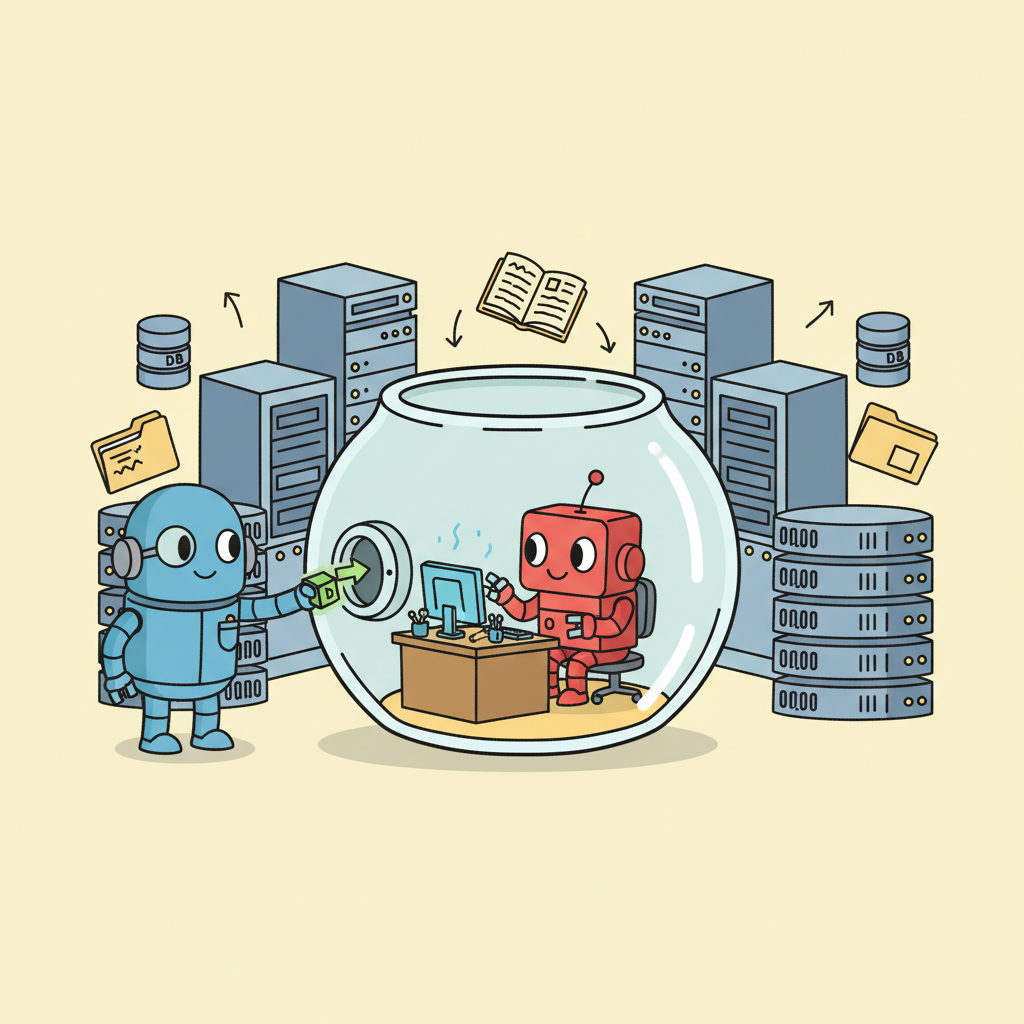
A sandbox is the single most important safety measure for any agent that executes code or modifies system resources. Without sandboxing, a single hallucinated command could delete production data or exfiltrate secrets. Sandboxing provides a controlled environment where the agent operates with least privilege: access to exactly what it needs and nothing more. This section covers the spectrum of isolation technologies (process-level, container-level, VM-level, and cloud sandboxes like E2B), practical configuration for Docker and Firecracker, and the tradeoffs between security strength and operational overhead.
Prerequisites
This section builds on all previous chapters in Part VI, especially tool use (Chapter 23) and multi-agent systems (Chapter 24).
1. Why Sandboxing Is Non-Negotiable
Any agent that executes code, modifies files, or interacts with system resources must operate in a sandboxed environment. Without sandboxing, a single hallucinated command could delete production data, install malware, or exfiltrate sensitive information. The sandbox provides a controlled environment where the agent can operate with the tools it needs while being physically isolated from systems it should not access. This is the single most important safety measure for production agents.
Sandboxing operates on the principle of least privilege: give the agent access to exactly what it needs and nothing more. A code execution agent needs access to a Python runtime and specific libraries, but not to the host machine's filesystem, network, or other processes. A browser agent needs access to a browser instance, but not to the host's other applications or local files. A data analysis agent needs access to the specific datasets it is analyzing, but not to other databases or services on the network.
The choice of sandboxing technology depends on the isolation level required. Process-level isolation (restricted user, chroot) is the lightest weight but provides the weakest guarantees. Container-level isolation (Docker, Podman) provides a good balance of security and performance. VM-level isolation (Firecracker, gVisor) provides the strongest guarantees at the cost of higher overhead. Cloud sandboxes (E2B) provide VM-level isolation as a managed service, eliminating the operational burden of managing sandbox infrastructure.
The right sandboxing level depends on the blast radius of a worst-case scenario. If the agent can only read public data and produce text, process-level isolation may suffice. If the agent executes arbitrary code that could contain supply-chain attacks or prompt-injected malware, VM-level isolation is essential. Calculate the worst case: what is the maximum damage the agent could cause with unrestricted access? Then choose the isolation level that makes that worst case impossible.
E2B Cloud Sandboxes
This snippet runs agent-generated code inside an E2B cloud sandbox, isolating execution from the host system.
from e2b_code_interpreter import Sandbox

# Create an isolated sandbox for code execution
sandbox = Sandbox(
 timeout=300, # 5-minute timeout
 # The sandbox runs in an isolated VM
 # No access to host filesystem, network is restricted
)

# Install required packages
sandbox.run_code("!pip install pandas matplotlib scikit-learn")

# Execute agent-generated code safely
result = sandbox.run_code("""
import pandas as pd
import matplotlib.pyplot as plt

# This code runs in a fully isolated environment
df = pd.read_csv('/data/sales.csv')
monthly = df.groupby('month')['revenue'].sum()
monthly.plot(kind='bar')
plt.savefig('/output/chart.png')
print(f"Total revenue: ${monthly.sum():,.2f}")
""")

print(result.text) # "Total revenue: $1,234,567.89"

# Download results
chart = sandbox.files.read("/output/chart.png")

# Sandbox is automatically destroyed after timeout
sandbox.close()
2. Docker and Container-Based Isolation
Docker containers provide the most commonly used sandboxing approach for production agent systems. Containers offer filesystem isolation, network control, resource limits (CPU, memory, disk), and reproducible environments. The agent's execution environment is defined in a Dockerfile, ensuring consistent behavior across development and production. Network policies can restrict the container to specific endpoints, preventing data exfiltration even if the agent's code is compromised.
Key Docker security practices for agent sandboxes include: running as a non-root user, mounting filesystems as read-only except for specific output directories, setting memory and CPU limits to prevent resource exhaustion, configuring network policies to allow only necessary outbound connections, using minimal base images to reduce the attack surface, and setting filesystem quotas to prevent disk-filling attacks. These controls should be enforced at the infrastructure level, not by the agent itself, since a compromised agent would disable its own restrictions.
Who: A platform security engineer at a coding education startup where students submit code that an AI agent reviews and executes.
Situation: The agent needed to run untrusted student code (Python scripts, data analysis notebooks) while providing feedback. Early testing used the host machine directly, and within a week a student's infinite loop consumed all available RAM, crashing the production server.
Problem: Without isolation, any malicious or buggy code could access the host filesystem, consume unbounded resources, or make arbitrary network connections. The team needed a sandbox that was secure enough for untrusted code but flexible enough for the agent to install packages and run tests.
Decision: The team configured Docker containers with strict constraints: python:3.11-slim base image (minimal attack surface), non-root user (UID 1000), 2 CPU cores and 4GB RAM limits, 10GB disk quota, network restricted to PyPI and the LLM API endpoint only, /workspace as the sole read-write directory, and a hard 10-minute timeout per execution.
Result: Zero security incidents over six months of operation handling 2,000 code submissions per day. The RAM limit caught 15 to 20 runaway processes per week that would have previously crashed the server. Container startup overhead was under 2 seconds per submission.
Lesson: Sandbox constraints must be enforced at the infrastructure level (container limits, network policies) rather than by the agent itself, because a compromised agent would disable its own restrictions.
3. Resource Limits and Abuse Prevention
Without resource limits, an agent-generated code snippet could consume all available memory, spawn infinite processes, or fill the disk with output. Resource limits are essential for operational stability and cost control. Set hard limits on CPU time, memory usage, disk I/O, network bandwidth, and execution duration. These limits should be enforced at the operating system or container level, where they cannot be circumvented by the agent's code.
Common abuse patterns to defend against include: fork bombs (the code spawns processes recursively), cryptocurrency mining (using the sandbox's compute resources for unauthorized purposes), network scanning (using the sandbox to probe internal infrastructure), and data exfiltration (encoding sensitive data into DNS queries, HTTP headers, or other covert channels). Each pattern requires specific mitigations beyond general resource limits.
Container isolation is not VM-level isolation. Container escapes, while rare, have been documented (CVE-2019-5736, CVE-2024-21626). For high-security environments (handling financial data, healthcare records, or classified information), use VM-level isolation (Firecracker, gVisor) or cloud sandbox services that provide hardware-level isolation. Docker alone is sufficient for most use cases but should not be the only security layer for sensitive workloads.
4. Isolation Runtimes: gVisor, Firecracker, and Beyond
When Docker-level isolation is insufficient, two specialized runtimes provide stronger guarantees with different trade-off profiles. Understanding their architectures helps you choose the right isolation level for your agent workloads.
gVisor (Google) implements a user-space kernel that intercepts and re-implements Linux system calls. Instead of the container's code talking directly to the host kernel, gVisor's Sentry component mediates every syscall, applying its own security policy. This means a kernel vulnerability in the host cannot be exploited from within the container, because the container never makes direct kernel calls. gVisor runs as an OCI-compatible runtime (runsc), so existing Docker containers work without modification. The trade-off is performance: syscall-intensive workloads (heavy file I/O, many network connections) see 5% to 30% overhead due to the user-space interception layer.
Firecracker (AWS) takes a different approach: each sandbox runs inside a lightweight microVM with its own guest kernel. Firecracker VMs boot in under 125 milliseconds and consume as little as 5 MB of memory overhead per instance. The hypervisor exposes a minimal device model (no USB, no GPU passthrough, no PCI) that dramatically reduces the attack surface compared to QEMU or VirtualBox. AWS Lambda and Fargate use Firecracker in production to isolate millions of concurrent workloads. For agent systems that execute untrusted code, Firecracker provides near-hardware-level isolation with container-like startup times.
| Property | Docker (runc) | gVisor (runsc) | Firecracker | Full VM (QEMU) |
|---|---|---|---|---|
| Isolation level | Namespace/cgroup | User-space kernel | MicroVM (own kernel) | Full hypervisor |
| Startup time | <1 second | <1 second | <125 ms | 5 to 30 seconds |
| Memory overhead | ~2 MB | ~15 MB | ~5 MB | 128+ MB |
| Syscall filtering | seccomp profiles | Full re-implementation | Guest kernel (isolated) | Guest kernel (isolated) |
| Performance overhead | Minimal (<1%) | 5 to 30% (syscall heavy) | 2 to 5% | 5 to 15% |
| Best for | Trusted code, dev/test | Untrusted code, Kubernetes | Multi-tenant serverless | Maximum isolation |
Network, Filesystem, and Capability Hardening
Beyond choosing an isolation runtime, production agent sandboxes require layered hardening at the network, filesystem, and capability levels:
Network isolation. Apply egress filtering so the sandbox can only reach approved endpoints. Use DNS allowlists to restrict which domains the agent's tool calls can resolve. Block all outbound traffic by default, then explicitly allow the LLM API endpoint, approved package registries, and any tool-specific services. This prevents data exfiltration even if the agent is compromised by prompt injection.
Filesystem isolation. Mount the root filesystem as read-only. Provide a tmpfs mount for scratch space with a strict size limit (e.g., 100 MB). Any volumes containing input data should be mounted read-only. Output directories should be the only writable paths, and they should be on a separate mount with quota enforcement. Never bind-mount host directories into the sandbox; copy data into isolated volumes instead.
Linux capability dropping. Containers start with a set of Linux capabilities that are often far more permissive than necessary. For agent sandboxes, drop all capabilities and add back only what is strictly needed. Critical capabilities to remove include: NET_RAW (prevents raw socket creation and network sniffing), SYS_ADMIN (prevents mounting filesystems, changing namespaces, and many privilege escalation paths), SYS_PTRACE (prevents debugging and memory inspection of other processes), and NET_BIND_SERVICE (prevents binding to privileged ports). Combine capability dropping with --security-opt=no-new-privileges to prevent any process inside the sandbox from gaining additional capabilities through setuid binaries or other mechanisms.
Defense in depth is the governing principle for code-executing agents. No single isolation layer is sufficient. A production sandbox should combine at least three layers: runtime isolation (Docker, gVisor, or Firecracker), network restrictions (egress filtering, DNS allowlists), and capability restrictions (dropped Linux capabilities, read-only filesystems). If any one layer is bypassed through a zero-day exploit or misconfiguration, the remaining layers still contain the damage. The cost of running three layers is modest; the cost of a single sandbox escape in production can be catastrophic.
Exercises
Explain why sandboxed execution is described as 'non-negotiable' for agents that run code. Give two concrete examples of what could go wrong without sandboxing.
Answer Sketch
Without sandboxing, generated code runs with the agent's full system privileges. Example 1: the agent generates import os; os.system('rm -rf /') due to a prompt injection, deleting the host filesystem. Example 2: the agent generates code that reads environment variables containing API keys and sends them to an external URL. Sandboxing isolates the execution environment so these actions either fail or are contained.
Write a Dockerfile for a minimal Python sandbox that includes only essential packages (numpy, pandas, matplotlib) and runs as a non-root user with no network access.
Answer Sketch
Use FROM python:3.11-slim. RUN pip install numpy pandas matplotlib. RUN useradd -m sandbox. USER sandbox. WORKDIR /home/sandbox. Run with docker run --network=none --read-only --tmpfs /tmp:size=100m --cpus=1 --memory=512m. The --network=none flag prevents data exfiltration; --read-only prevents filesystem modification outside /tmp.
An agent generates code that enters an infinite loop, consuming 100% CPU indefinitely. Describe three resource limiting mechanisms and explain how each prevents this scenario.
Answer Sketch
(1) CPU time limit: kill the process after N seconds of CPU time. (2) Memory limit: OOM-kill the process if it exceeds a memory threshold. (3) Process count limit: prevent fork bombs by limiting the number of child processes. Docker provides all three via --cpus, --memory, and --pids-limit. Additionally, a wall-clock timeout ensures the container is killed even if the process is sleeping rather than consuming CPU.
List three common sandbox escape techniques and describe how to mitigate each in the context of agent code execution.
Answer Sketch
(1) Mounting host directories: mitigate by never mounting host volumes into the sandbox; use volume copies instead. (2) Privileged container escape: mitigate by running with --security-opt=no-new-privileges and dropping all Linux capabilities. (3) Network-based escape: mitigate by disabling networking entirely or restricting to an allowlist of hosts. Also use seccomp profiles to restrict system calls.
Compare E2B (cloud sandboxing service) with self-managed Docker containers for agent code execution. What are the trade-offs in terms of setup complexity, security, and cost?
Answer Sketch
E2B: zero setup, managed security, pay-per-use pricing, lower operational burden. Docker self-managed: more setup, you manage security patches, fixed infrastructure cost, full control. Choose E2B for rapid prototyping and small-scale deployments. Choose Docker for production systems where you need full control over the environment, data residency requirements, or high-volume execution where per-use pricing becomes expensive.
Put rate limits on every external API your agent can call. A reasoning loop bug can cause an agent to make hundreds of API calls per minute. Per-minute and per-session rate limits prevent both cost blowouts and downstream service abuse.
- Sandboxing is non-negotiable for code-executing agents; it contains the blast radius of failures and attacks.
- Key restrictions include network allowlisting, filesystem isolation, approved command lists, and resource limits.
- E2B and similar cloud sandbox services provide pre-configured, ephemeral environments ideal for agent code execution.
Show Answer
Without sandboxing, a compromised or misbehaving agent can access the host filesystem, network, and other processes, potentially deleting data, exfiltrating secrets, installing malware, or pivoting to other systems. Sandboxing contains the blast radius of any agent failure or attack.
Show Answer
Network access (limit to allowlisted domains), filesystem access (restrict to a working directory), process execution (limit to approved commands), resource consumption (CPU, memory, and time limits), and system calls (drop unnecessary Linux capabilities).
What Comes Next
In the next section, Production Observability and Cost Control, we cover how to monitor agent behavior in production, track costs, and detect anomalies in real-time.
References and Further Reading
Container Isolation
Google (2024). "gVisor: Application Kernel for Containers." gvisor.dev.
Documentation for gVisor, a user-space kernel that provides an additional isolation layer for container workloads, preventing container escape vulnerabilities in agent execution environments.
Amazon Web Services (2024). "Firecracker: Secure and Fast microVMs." firecracker-microvm.github.io.
Documentation for Firecracker microVMs used by AWS Lambda and Fargate, providing lightweight VM isolation suitable for sandboxing agent code execution.
Demonstrates emulated sandbox environments for testing agent safety before deploying real execution sandboxes, informing sandbox design decisions.
Resource Management and Security
Docker (2024). "Docker Security." Docker Documentation.
Official Docker security documentation covering namespaces, cgroups, seccomp profiles, and AppArmor/SELinux policies for securing containerized agent workloads.
Describes the sandboxed execution environment used for SWE-agent, providing practical patterns for isolating code execution in agent systems.