"I scaffolded an entire backend in forty minutes. Then I spent four days figuring out why it kept apologizing to the database."
Deploy, Backend Debugging AI Agent
Speed without direction is just expensive chaos. AI coding assistants can scaffold a prototype in hours, but the prototype is worthless unless it proves (or disproves) a specific hypothesis about your product. This section introduces a disciplined loop for AI-era prototyping: build a vertical slice end-to-end, measure it with real evaluation, and steer based on evidence. You will also get a concrete Prototype Playbook that maps five prototype stages to the techniques covered throughout this book.
Prerequisites
This section builds on LLM API patterns from Chapter 10, prompt engineering from Chapter 11, and the concept of observe-steer development loops introduced in Section 37.1. Familiarity with evaluation (Chapter 29), observability (Chapter 30), and production engineering (Chapter 31) will strengthen the cross-references throughout.
1. Vertical-Slice Prototyping
Most first-time builders make the same mistake: they build every feature at a shallow level before finishing any single feature deeply. The result is a wide, brittle surface that cannot survive contact with real users. Vertical-slice prototyping inverts this pattern. You pick one user flow and build it completely, from the user interface down through the LLM call, retrieval layer, guardrails, and response rendering.
Your first vertical slice should solve exactly one task for exactly one type of user. Not "summarize documents" but "summarize a 10-page lease agreement so a first-time renter can understand the key financial obligations in under 60 seconds." The specificity forces you to define what "good enough" looks like before you write a single line of code, and it makes your evaluation criteria concrete and testable.
Why one flow? Because a single complete flow exposes every integration point, every latency bottleneck, and every failure mode that matters. A shallow prototype that calls an LLM and displays raw text proves nothing about your product. A vertical slice that retrieves context from a knowledge base, constructs a prompt with guardrails, calls the model, validates the output, and renders it with citations proves that your architecture actually works.
Who: An HR technology team at a 2,000-person company building an internal benefits assistant.
Situation: The original plan called for an assistant that could "answer any HR question," covering benefits, payroll, leave policies, and onboarding. The engineering estimate for the full scope was three months.
Problem: After two weeks of broad scaffolding, the team had a chat interface that could handle none of these topics end-to-end. Retrieval, grounding, and validation were all half-built.
Decision: The team scrapped the horizontal approach and picked one vertical slice: "an employee asks about dental coverage for dependents." The slice included (1) a chat interface with a single input box, (2) a RAG pipeline retrieving the relevant section from the benefits handbook, (3) a prompt template grounding the answer in retrieved context using techniques from Chapter 11, (4) an output validator checking that the response cites at least one source, and (5) a simple feedback button.
Result: The vertical slice was working end-to-end within four days. It immediately revealed a chunking bug in the RAG pipeline that would have affected every topic, catching it early instead of three months in.
Lesson: One complete user flow exercising every layer of the stack is worth more than ten shallow features that skip retrieval, evaluation, or error handling.
2. The Build-Measure-Steer Loop
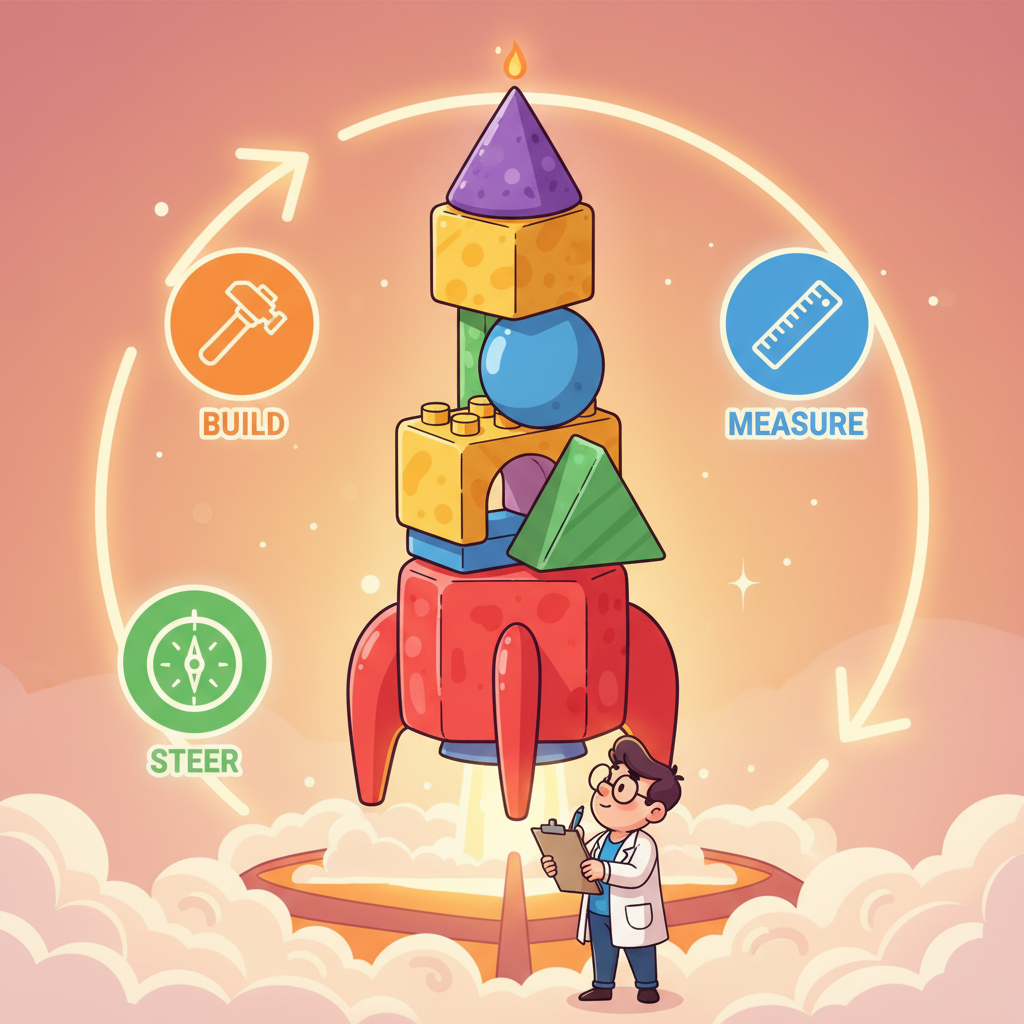
The classic Lean Startup mantra is "Build, Measure, Learn." For AI products, we sharpen the third step. "Learn" is too passive. When your AI product underperforms, you do not simply learn about it; you steer the system by adjusting prompts, swapping models, tightening guardrails, or restructuring retrieval. The founder's prototype loop is therefore Build, Measure, Steer.
Phase 1: Build
Use AI coding assistants (Cursor, Claude Code, GitHub Copilot) to scaffold your vertical slice quickly. The goal is not production-quality code; it is a functional prototype that exercises the full stack. Section 3 below covers the verification discipline required when working with generated code.
Phase 2: Measure
Connect your prototype to an evaluation harness from the start. Even five well-chosen test cases are better than zero. Instrument your prototype with the observability patterns from Chapter 30: log every prompt, every retrieved chunk, every model response, and every user reaction. You cannot steer what you cannot see.
Phase 3: Steer
This is where AI products diverge from traditional software iteration. Steering means making targeted adjustments based on evaluation evidence:
- Prompt adjustments. If the model hallucinates, add grounding instructions. If responses are too verbose, add length constraints. Every prompt change gets re-evaluated against your test cases.
- Model swaps. If latency is too high, try a smaller model. If quality is too low, try a more capable one. The API abstraction patterns from Chapter 10 make this swap straightforward.
- Guardrail additions. If the model produces unsafe or off-topic responses, add output validators, content filters, or topic classifiers. Each guardrail is a hypothesis: "this filter will reduce off-topic responses by X%." Measure it.
- Retrieval tuning. If the model lacks context, adjust your chunking strategy, embedding model, or retrieval parameters using the techniques from Chapter 20.
The Build-Measure-Steer loop is not sequential; it is concurrent. In practice, you are building a new feature while measuring the last one and steering based on results from two iterations ago. The discipline is in keeping each loop small (hours, not weeks) and ensuring every steering decision is backed by evaluation data, not gut feeling.
3. AI Coding Assistants: Trust but Verify
AI coding assistants accelerate prototyping dramatically, but they introduce a new failure mode: plausible but incorrect code. A generated function may have correct syntax, reasonable variable names, and sensible-looking logic while containing subtle bugs that only surface under edge cases. The verification discipline below applies whether you use Cursor, Claude Code, GitHub Copilot, or any other assistant.
- Treat generated code as a draft. Read every line before integrating it. If you cannot explain what a function does, you do not understand your own prototype.
- Run it immediately. Do not accumulate generated code. Generate a function, run it, verify the output, then move on. Small feedback loops catch errors before they compound.
- Check the boundaries. Generated code often handles the happy path well and ignores edge cases. Test with empty inputs, oversized inputs, malformed data, and concurrent access.
- Verify dependencies. AI assistants sometimes import libraries that do not exist, reference deprecated APIs, or use incorrect function signatures. Confirm every import and every API call against current documentation.
- Own the architecture. Use AI assistants for implementation, not for architectural decisions. You decide the system structure; the assistant fills in the code within that structure.
A 2024 GitClear analysis of code churn rates found that projects using AI coding assistants had a 39% higher rate of code that was reverted or substantially rewritten within two weeks of being committed. The code was written faster, but it was also corrected faster. The net productivity gain depends entirely on how disciplined the verification step is.
4. The Prototype Playbook
The Prototype Playbook maps five stages of increasing sophistication to the techniques covered throughout this book. Each stage builds on the previous one. You do not advance to the next stage until the current stage passes its evaluation criteria.
| Stage | Description | Book Chapters | Gate Criteria |
|---|---|---|---|
| 1. Single-Prompt | One API call with a hand-crafted prompt. No retrieval, no tools. | Ch 10, Ch 11 | Model produces relevant responses for 5+ representative inputs |
| 2. RAG Prototype | Add retrieval to ground responses in your domain data. | Ch 19, Ch 20 | Responses cite retrieved sources; hallucination rate below threshold |
| 3. Agent Prototype | Add tool use and multi-step reasoning for complex workflows. | Ch 22, Ch 23 | Agent completes target workflow in 80%+ of test runs |
| 4. Eval-Gated | Wrap the prototype in an automated evaluation harness. No deploy without passing. | Ch 29 | All quality metrics above defined thresholds; regression suite green |
| 5. Production-Ready | Add observability, rate limiting, cost controls, and graceful degradation. | Ch 31 | Latency p95 within budget; cost per request within ceiling; monitoring active |
Not every product requires agents or RAG. If a single well-crafted prompt solves the problem, stop at Stage 1. The playbook is a ladder, not a mandate. Complexity is a cost; add it only when simpler stages fail to meet your quality bar.
5. A Minimal Prototype Evaluation Harness
The following Python script implements a lightweight evaluation harness that you can wire into any prototype from Stage 1 onward. It loads test cases, runs each one through your prototype function, scores the output on keyword relevance, safety constraints, and latency, then produces a summary report.
# Minimal prototype evaluation harness
# Connects to any prototype via a callable that accepts a query string
import json
import time
from dataclasses import dataclass, field
from pathlib import Path
from typing import Callable


@dataclass
class EvalCase:
 """A single evaluation test case."""
 query: str
 expected_keywords: list[str] = field(default_factory=list)
 max_latency_ms: float = 5000.0
 must_not_contain: list[str] = field(default_factory=list)


@dataclass
class EvalResult:
 """Result of running one evaluation case."""
 query: str
 response: str
 latency_ms: float
 keyword_score: float # fraction of expected keywords found
 safety_pass: bool # True if no forbidden strings appear
 latency_pass: bool # True if within latency budget
 overall_pass: bool = False

 def __post_init__(self):
 self.overall_pass = (
 self.keyword_score >= 0.5
 and self.safety_pass
 and self.latency_pass
 )


def load_cases(path: str) -> list[EvalCase]:
 """Load evaluation cases from a JSON file.

 Expected format:
 [
 {
 "query": "What is the dental coverage for dependents?",
 "expected_keywords": ["dental", "dependents", "coverage"],
 "max_latency_ms": 3000,
 "must_not_contain": ["I don't know"]
 }
 ]
 """
 raw = json.loads(Path(path).read_text(encoding="utf-8"))
 return [EvalCase(**case) for case in raw]


def run_eval(
 prototype_fn: Callable[[str], str],
 cases: list[EvalCase],
) -> list[EvalResult]:
 """Run all evaluation cases and return scored results."""
 results: list[EvalResult] = []

 for case in cases:
 # Time the prototype call
 start = time.perf_counter()
 response = prototype_fn(case.query)
 elapsed_ms = (time.perf_counter() - start) * 1000

 # Score keyword presence
 response_lower = response.lower()
 hits = sum(
 1 for kw in case.expected_keywords
 if kw.lower() in response_lower
 )
 keyword_score = (
 hits / len(case.expected_keywords)
 if case.expected_keywords else 1.0
 )

 # Check safety: none of the forbidden strings should appear
 safety_pass = all(
 forbidden.lower() not in response_lower
 for forbidden in case.must_not_contain
 )

 results.append(EvalResult(
 query=case.query,
 response=response[:200], # truncate for readability
 latency_ms=round(elapsed_ms, 1),
 keyword_score=round(keyword_score, 2),
 safety_pass=safety_pass,
 latency_pass=elapsed_ms <= case.max_latency_ms,
 ))

 return results


def print_report(results: list[EvalResult]) -> None:
 """Print a summary evaluation report to stdout."""
 total = len(results)
 passed = sum(1 for r in results if r.overall_pass)
 print(f"\n{'=' * 60}")
 print(f" Prototype Evaluation Report")
 print(f" {passed}/{total} cases passed "
 f"({100 * passed / total:.0f}%)")
 print(f"{'=' * 60}")

 for i, r in enumerate(results, 1):
 status = "PASS" if r.overall_pass else "FAIL"
 print(f"\n [{status}] Case {i}: {r.query[:50]}")
 print(f" Keyword score : {r.keyword_score}")
 print(f" Safety pass : {r.safety_pass}")
 print(f" Latency : {r.latency_ms} ms "
 f"(limit: {'ok' if r.latency_pass else 'EXCEEDED'})")

 print(f"\n{'=' * 60}\n")


# Example usage with a stub prototype
if __name__ == "__main__":
 # Replace this stub with your actual prototype function
 def my_prototype(query: str) -> str:
 """Stub that simulates a prototype response."""
 return (
 "Based on the benefits handbook, dental coverage "
 "for dependents includes preventive and basic "
 "restorative services under the standard plan."
 )

 # Define inline test cases for quick testing
 cases = [
 EvalCase(
 query="What dental coverage do dependents get?",
 expected_keywords=["dental", "dependents", "coverage"],
 max_latency_ms=3000,
 must_not_contain=["I don't know"],
 ),
 EvalCase(
 query="Is vision included in the basic plan?",
 expected_keywords=["vision", "basic", "plan"],
 max_latency_ms=3000,
 must_not_contain=["I cannot help"],
 ),
 ]

 results = run_eval(my_prototype, cases)
print_report(results)run_eval and expand the test cases as your prototype matures. For production-grade evaluation, see the comprehensive patterns in Chapter 29.Evaluation is not a phase; it is a habit. The harness above takes less than an hour to set up, yet most prototype builders skip it entirely. The result is that they steer blind, making prompt changes without knowing whether quality improved or degraded. Even a crude harness with five test cases gives you signal. Start measuring from Day 1, and expand your test suite as you discover new failure modes.
6. Putting It All Together: A Day in the Loop
Here is what one iteration of the Build-Measure-Steer loop looks like in practice for a founder prototyping an HR benefits assistant:
- Morning (Build). Use Claude Code to scaffold a FastAPI endpoint that accepts a question, retrieves relevant chunks from a benefits PDF using a simple vector store, constructs a grounded prompt, and returns the model's response. Total scaffolding time: 45 minutes. Review every generated file, fix two incorrect import paths, and add error handling the assistant omitted.
- Midday (Measure). Write 10 evaluation cases covering common benefits questions, edge cases (questions about policies that do not exist), and adversarial inputs (requests for salary data the bot should not disclose). Run the harness from Code Fragment 37.2.1. Result: 7/10 pass. Three failures: one hallucinated a policy that does not exist, one exceeded the latency budget, one leaked a system prompt fragment.
- Afternoon (Steer). For the hallucination: add an instruction to the prompt requiring every claim to cite a retrieved chunk, and add a post-processing validator that checks for citations. For the latency issue: switch from a large model to a smaller one for this simple Q&A task, following the model-selection guidance from Chapter 10. For the prompt leak: add an output filter that strips any text matching the system prompt pattern. Re-run the harness. Result: 9/10 pass. The remaining failure needs better retrieval; note it for tomorrow's iteration.
Who: A founding engineer at a B2B startup building an AI-powered invoice processing tool.
Situation: After three weeks of Build-Measure-Steer iterations, the prototype correctly extracted line items from 93% of test invoices. The CEO wanted to onboard paying customers immediately.
Problem: The engineer checked three graduation signals and found one missing: evaluation stability was strong (60 test cases, stable pass rate across four iterations) and cost predictability was solid ($0.04 per invoice, forecastable), but the failure mode inventory was incomplete. The team had not documented how the system behaved on multi-currency invoices or scanned PDFs with poor OCR quality.
Decision: The engineer pushed back on immediate launch, ran a one-week spike to catalog failure modes for multi-currency and low-quality scans, and added fallback routing to human review for those cases.
Result: The tool launched one week later with documented failure modes and graceful degradation. The first enterprise customer processed 4,000 invoices in month one with only 12 escalations to human review. Crossing to production meant adding authentication, rate limiting, error recovery, monitoring dashboards, and the full production engineering stack from Chapter 31.
Lesson: A prototype is ready for production when evaluation is stable, costs are predictable, and known failure modes are documented with mitigations, not when the demo looks impressive.
The term "vertical slice" originated in game development during the 1990s, where studios would build one complete level of a game before roughing out all levels. The logic was the same: a single polished level reveals rendering bugs, physics issues, and gameplay problems that a dozen grey-boxed levels never would. The concept migrated to agile software development in the 2000s and now fits AI prototyping perfectly.
- Build vertically, not horizontally. One complete user flow, exercising every layer of the stack, is worth more than ten shallow features that skip retrieval, evaluation, or error handling.
- Build, Measure, Steer. The third step is active, not passive. Steer prompts, models, guardrails, and retrieval based on evaluation evidence, and re-measure after every change.
- AI-generated code is a draft, not a deployment. Read every line, run it immediately, test the boundaries, verify dependencies, and own the architecture yourself.
- Use the Prototype Playbook to stage your complexity. Start with a single prompt (Stage 1), add RAG only if grounding is needed (Stage 2), add agents only if multi-step reasoning is needed (Stage 3), and gate every deployment on evaluation (Stage 4) before hardening for production (Stage 5).
- Start measuring from Day 1. Even five test cases in a simple harness give you signal. Expand the suite as you discover failure modes.
What Comes Next
You now have a disciplined loop for turning an idea into a working prototype. But prototypes run on enthusiasm; products run on money. Section 37.3: Documentation as Control Surface shows how to use documentation as a control mechanism for AI-assisted development, turning intent capture into a first-class engineering practice.
Show Answer
Show Answer
Show Answer
Bibliography
Ries, E. (2011). The Lean Startup: How Today's Entrepreneurs Use Continuous Innovation to Create Radically Successful Businesses. Crown Business.
Peng, S., Kalliamvakou, E., Cihon, P., & Demirer, M. (2023). "The Impact of AI on Developer Productivity: Evidence from GitHub Copilot." arXiv:2302.06590
GitClear (2024). "Coding on Copilot: 2024 Data Suggests Downward Pressure on Code Quality." GitClear Research Report. GitClear Report
Breck, E., Cai, S., Nielsen, E., Salib, M., & Sculley, D. (2017). "The ML Test Score: A Rubric for ML Production Readiness and Technical Debt Reduction." Proceedings of IEEE Big Data 2017. doi:10.1109/BigData.2017.8258038
Shankar, S., Garcia, R., Hellerstein, J.M., et al. (2024). "Who Validates the Validators? Aligning LLM-Assisted Evaluation of LLM Outputs with Human Preferences." arXiv:2404.12272