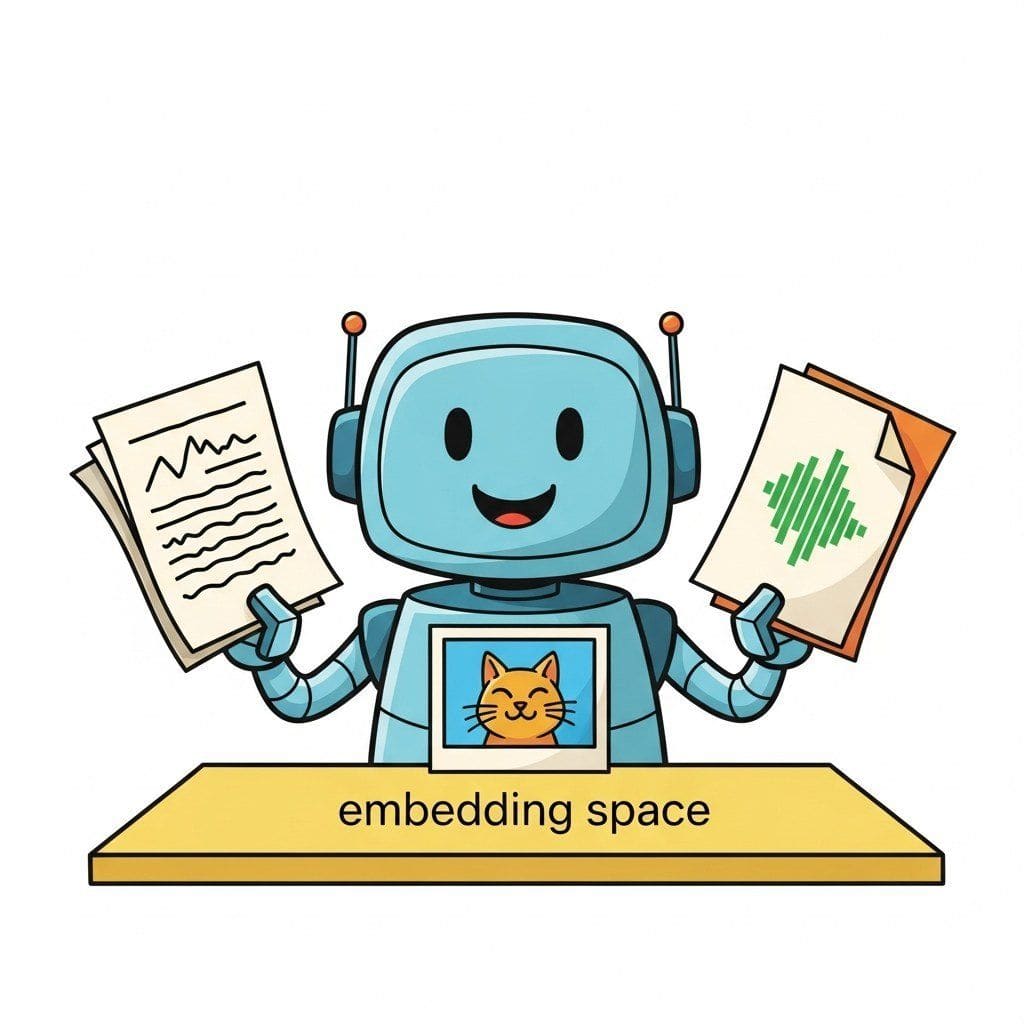
"When the corpus contains charts as well as paragraphs, your retriever must read pictures."
RAG, Cross-Modal-Curious AI Agent
Chapter 32 was text-only RAG. This chapter crosses modalities: image+text retrieval, multimodal embeddings, document-aware retrieval, and the production patterns that let you ground an answer in a PDF, a chart, or a video frame.
Joint embedding spaces, multimodal retrieval, when to retrieve vs reason, and production multimodal reasoning.
Chapter Overview
Your retriever returns a paragraph; your user wanted the chart. That gap is the entire reason cross-modal RAG exists. When the corpus is a stack of PDFs with figures, a folder of meeting recordings, or a video library, text-only embeddings throw away most of what the user actually needs to see. This chapter teaches the joint-embedding architectures (CLIP-style retrieval, ImageBind, late fusion) that index images, audio, and video together, the multimodal RAG patterns that ship to production, the rubric for deciding when to retrieve versus when to drop the whole document into a long-context VLM, and the cost-latency-quality matrix that drives model selection.
- Explain CLIP-style joint embedding spaces and ImageBind's six-modality alignment.
- Architect a multimodal RAG system that retrieves images, audio, or video as context.
- Apply a decision rubric for when to retrieve versus when to reason directly from a VLM.
- Evaluate a multimodal RAG pipeline on cost, latency, and answer quality.
- Select the right multimodal model and retrieval backend for a given production constraint.
Prerequisites
- Text RAG from Chapter 32
- Vision-language models from Chapter 22
- Document understanding from Chapter 21
Sections
- 33.1 Joint Embedding Spaces for Multimodal Retrieval CLIP-style retrieval, ImageBind, late fusion. Entry
- 33.2 Multimodal RAG: Image, Audio, Video Retrieval-Augmented Generation Image, audio, and video retrieval-augmented generation patterns. Intermediate
- 33.3 When to Retrieve, When to Reason Decision rubric and hybrid strategies for multimodal RAG vs direct reasoning. Advanced
- 33.4 Multimodal Reasoning in Production Cost, latency, quality matrix and model selection. Advanced
Objective
Replace OCR-then-chunk pipelines with vision-based retrieval. Index a real PDF manual (a printer manual, a research paper, a recipe book) using ColPali so the model retrieves page images, then answer questions with a vision-language model. By the end you will see why visual RAG often beats text RAG on layout-heavy documents.
Steps
- Step 1: Pick a PDF. Choose a 50 to 150 page PDF with rich layout (tables, diagrams). A printer manual or a textbook works. Convert each page to a PIL image with
pdf2image.convert_from_path(dpi=150). - Step 2: Index with ColPali. Load
vidore/colpali-v1.2from Hugging Face. Encode each page; persist embeddings to disk aspage_embeddings.pt. Note: each page produces ~1030 patch embeddings (late-interaction). - Step 3: Retrieve. For a query, embed it with the same model, score against every page via MaxSim, return top-3 page images.
- Step 4: VLM answer. Send top-3 page images plus the question to GPT-4o or Claude Sonnet 4.6 (multimodal). Confirm the answer is grounded to the visible content.
- Step 5: Baseline against text RAG. Run the same PDF through
unstructuredfor text extraction + a text RAG pipeline (Lab 32). Compare answers on 10 hard questions involving tables or figures. - Step 6: Cost/latency analysis. Tally tokens (vision input is expensive) and end-to-end latency. Decide where visual RAG is worth the cost (layout-heavy docs) and where text RAG suffices (prose-heavy).
Expected Output
Expected time: 3 hours. Difficulty: intermediate. Artifact: a working visual-RAG demo + text-vs-visual comparison.
What's Next?
Next: Chapter 34: Structured Information Extraction & NER. Retrieval finds the relevant passage. Extraction reads it back as data. Chapter 34 covers the modern IE stack: classical and open IE, hybrid LLM architectures for entity and relation extraction, schema-constrained generation, and the production pipelines (with coreference and document segmentation) that turn an unstructured doc dump into a queryable graph.